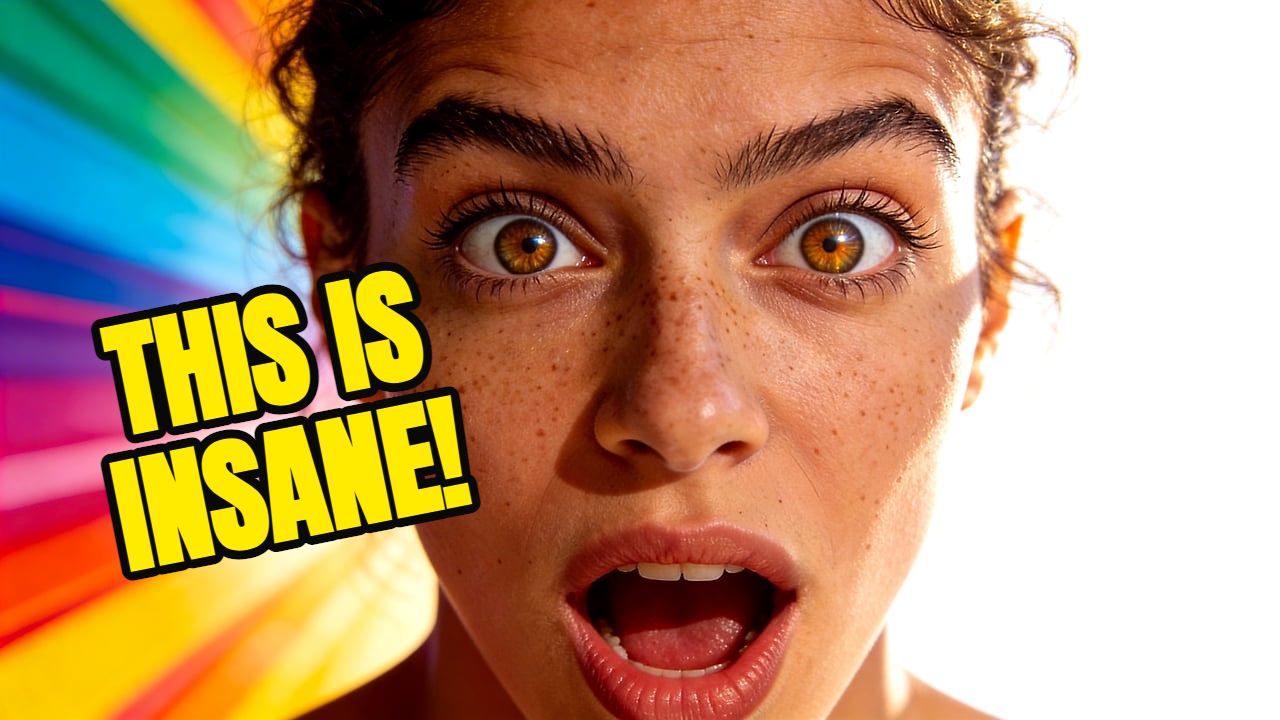
Boss fight
Epic boss fight thumbnail, shocked gamer face, red danger lighting, high contrast, clean text space.
Create gaming thumbnails with AI prompts, reference images, bold contrast, and 16:9 export for YouTube gaming videos. For gaming creators who need bold, fast thumbnails for walkthroughs, challenges, reactions, and highlight videos.

Gaming thumbnails
Turn a gameplay moment, character idea, or face reaction into a high-contrast YouTube gaming thumbnail with AI-assisted generation and editing.
01
Use gameplay stills as references
02
Create dramatic lighting and reactions
03
Add short readable hooks
04
Export in YouTube 16:9
Live Demo
Watch the full workflow — from upload to finished YouTube thumbnail in seconds.

Viewers should understand the threat, reward, reaction, or challenge immediately. Use one strong moment and let the background support it instead of competing with it.
Use prompts that describe the emotion and the moment, not just the game genre.
Prompt examples
Epic boss fight thumbnail, shocked gamer face, red danger lighting, high contrast, clean text space.
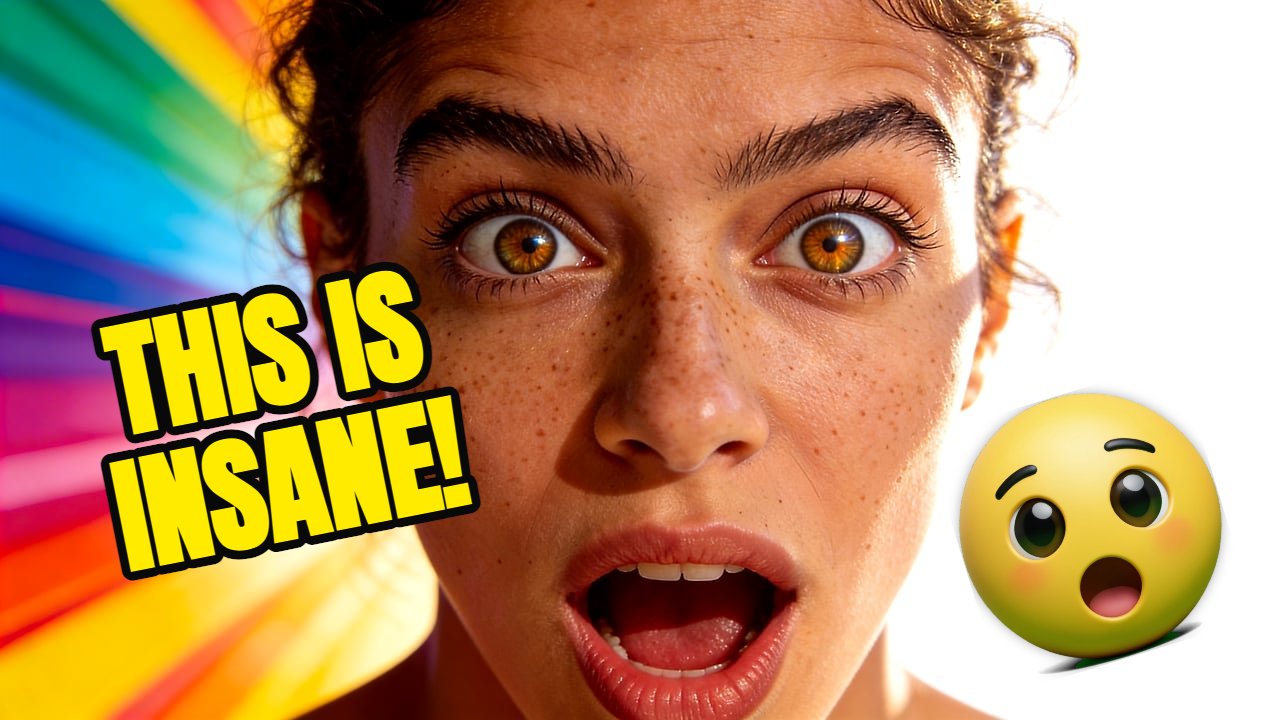
Glowing rare item in center, cinematic game lighting, dark background, bold title area.
FAQ
Yes. A gameplay screenshot can guide the scene and style, especially if it shows the moment you want to emphasize.
A clear moment, strong emotion, high contrast, and very short text usually work better than a crowded scene.
Yes. Generated thumbnails are made for 16:9 YouTube use.
Thumbpilot