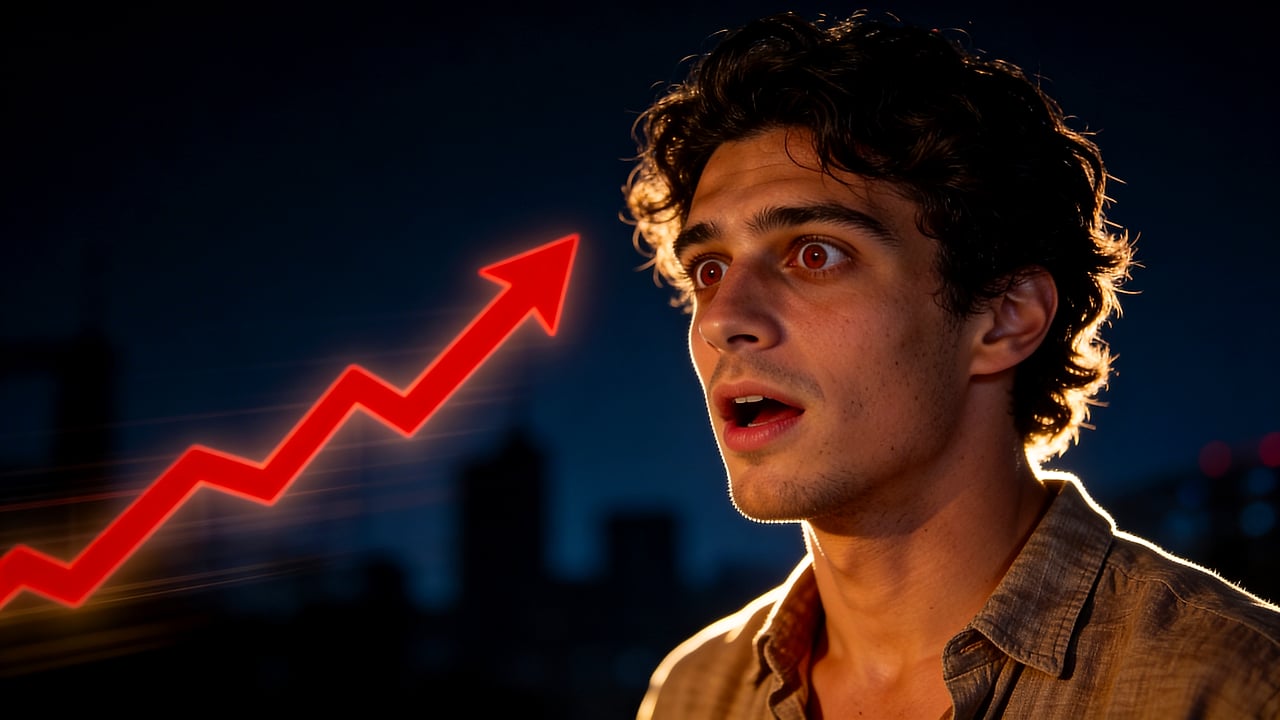
Guest interview
Podcast guest portrait, serious expression, studio lighting, clean dark background, room for a short quote.
Create podcast thumbnails for YouTube episodes and clips with AI-assisted visuals, clear guest focus, text overlays, and 16:9 export. For podcasters publishing full episodes, clips, interviews, and commentary videos on YouTube.
Podcast thumbnails
Podcast thumbnails need to communicate the guest, topic, and tension quickly. Thumbpilot helps turn portraits and episode ideas into YouTube-ready visuals.
01
Use guest or host photos as references
02
Add short topic hooks
03
Keep faces sharp and prominent
04
Export 16:9 YouTube thumbnails
Live Demo
Watch the full workflow — from upload to finished YouTube thumbnail in seconds.

Podcast feeds are crowded. A strong thumbnail usually needs one or two clear faces, a short hook, and visual contrast that separates the subject from the background.
Describe the guest, mood, and topic tension in the prompt so the thumbnail feels editorial instead of generic.
Prompt examples
Podcast guest portrait, serious expression, studio lighting, clean dark background, room for a short quote.
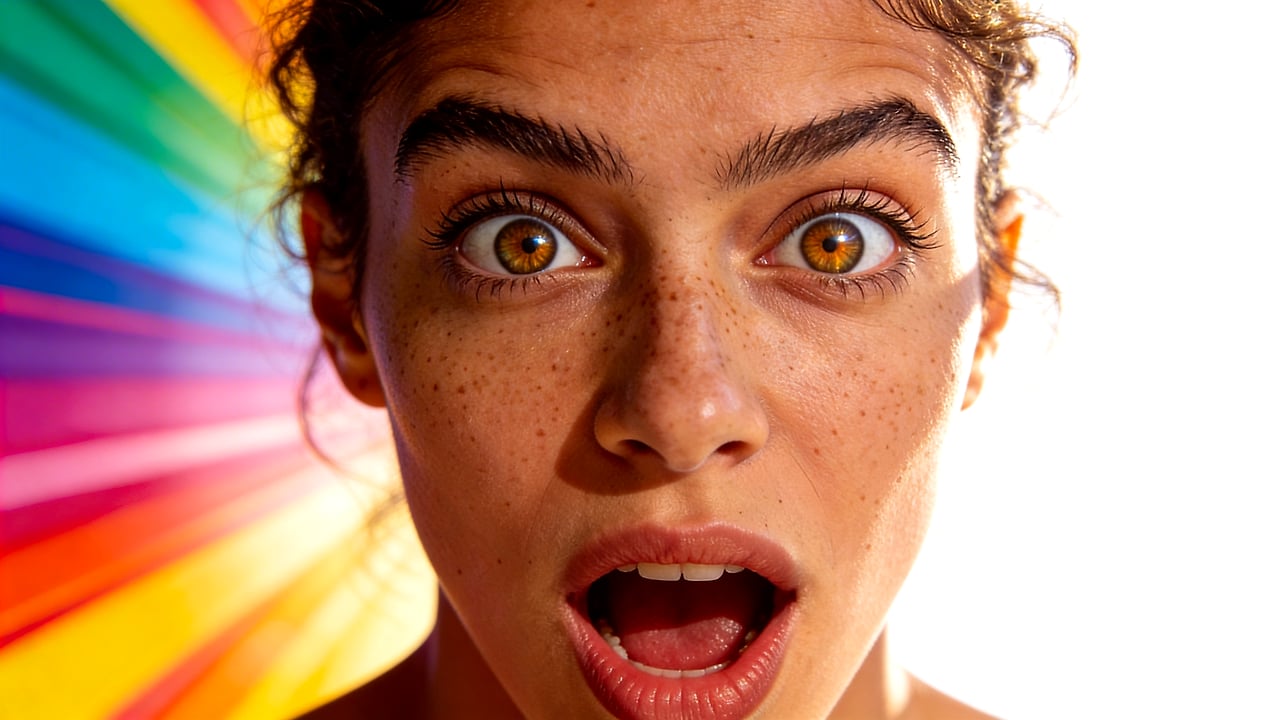
YouTube podcast clip thumbnail, host reaction, bold title area, cinematic contrast.
FAQ
Yes. Reference images are useful for keeping the host or guest recognizable while creating a stronger thumbnail composition.
Often yes, but keep it short. A few words or a strong quote fragment is easier to read than a full episode title.
Yes. The same 16:9 workflow works for podcast clips, interviews, and full YouTube episodes.
Thumbpilot