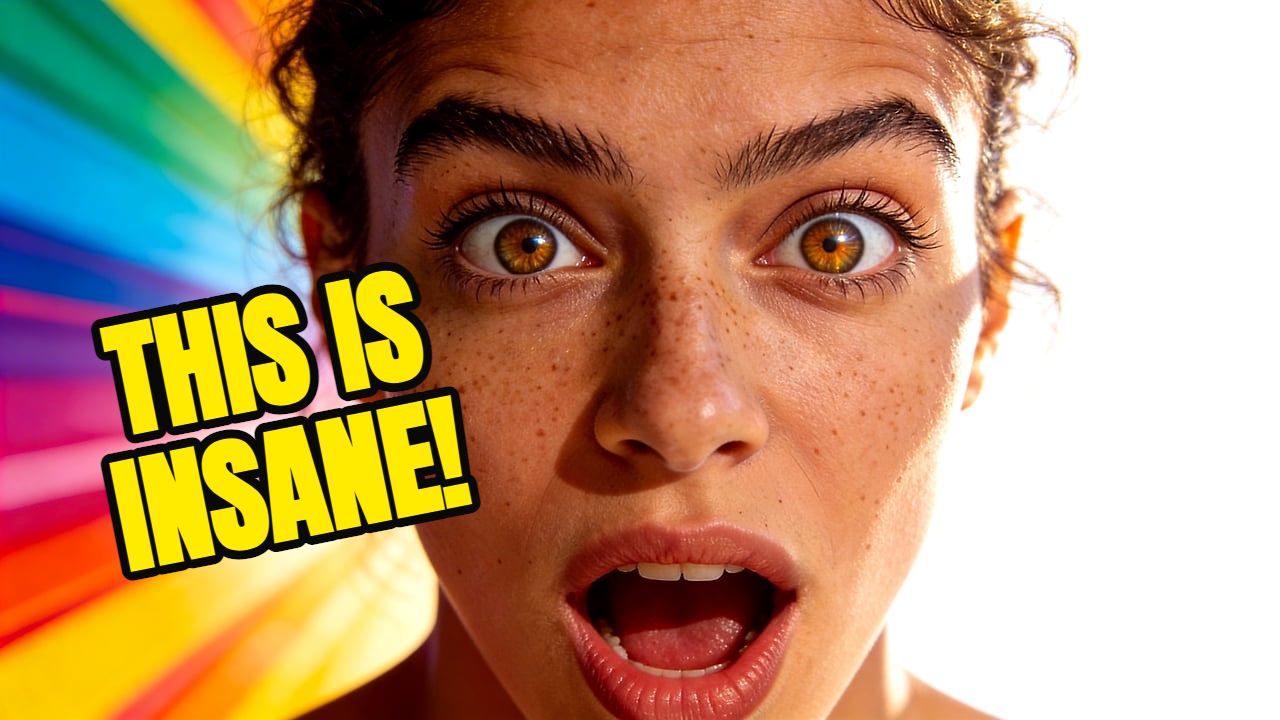
Reaction video
Shocked creator in a neon studio, bright rim light, bold empty space for three-word text.
Generate YouTube thumbnails with AI from a reference image and prompt. Get 16:9 thumbnails, text overlays, and fast editing without a subscription. Best for creators searching for an AI thumbnail generator that keeps channel style consistent without a monthly design subscription.
AI thumbnail generator
Thumbpilot turns a reference image and a short prompt into a finished 16:9 YouTube thumbnail, then lets you fine-tune text and objects in the browser.
01
Reference-image guided generation
02
1280 x 720 YouTube-ready export
03
Pay per use instead of a monthly plan
04
Built-in editor for text and AI objects
Live Demo
Watch the full workflow — from upload to finished YouTube thumbnail in seconds.
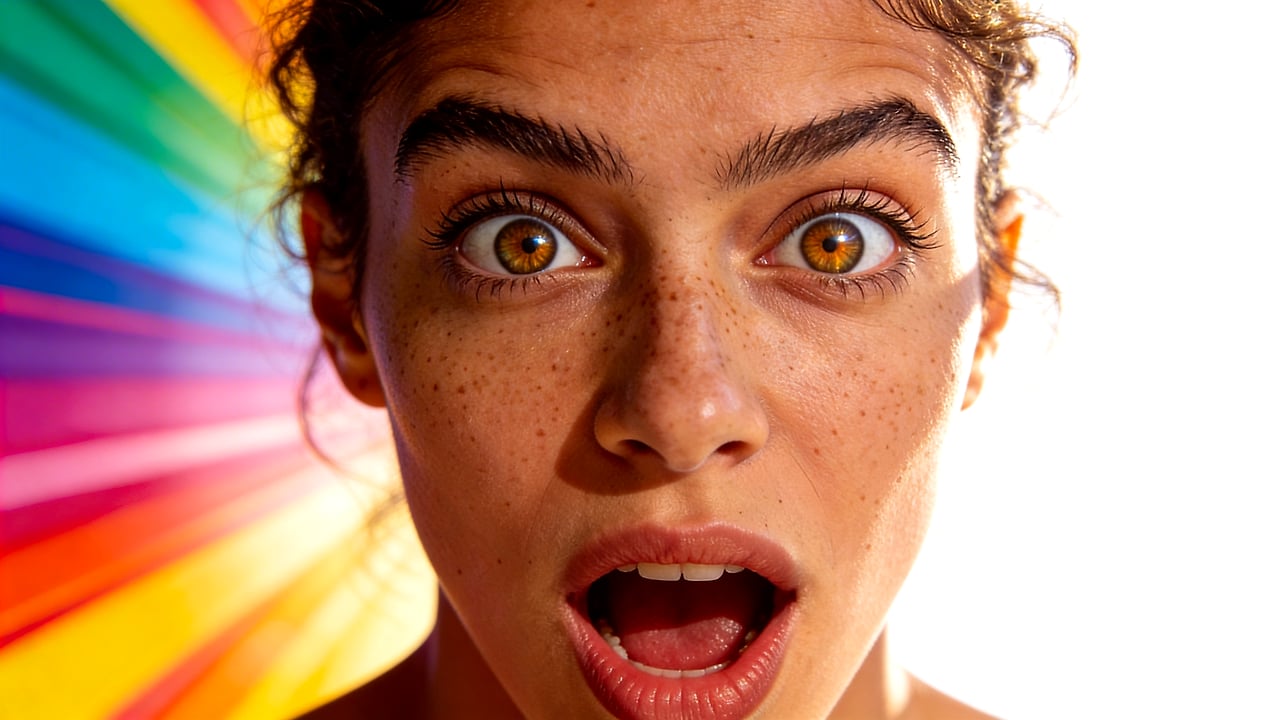
Generic image generators can make attractive pictures, but YouTube thumbnails need a strong focal subject, legible text, contrast at small sizes, and a fast publishing path. Thumbpilot keeps the workflow focused on that job.
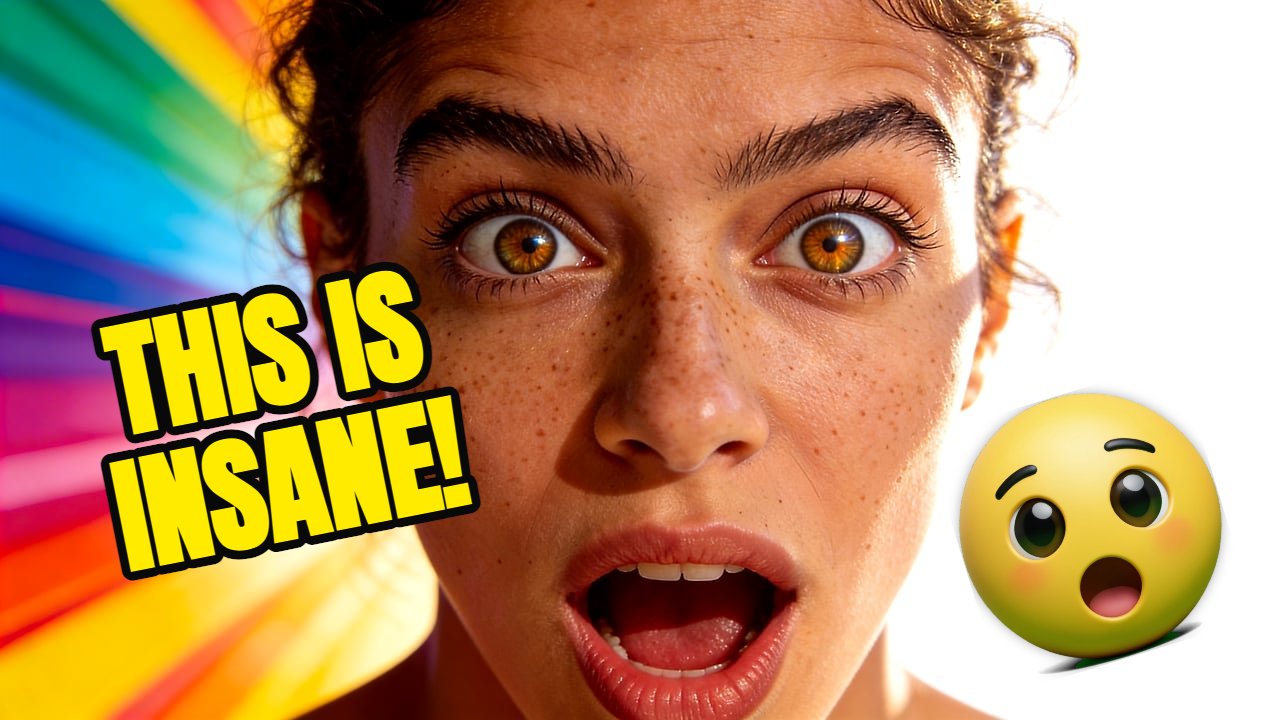
The generated image is only the start. Add text overlays, insert extra AI objects, and adjust the final composition before downloading the thumbnail.
Related searches
Prompt examples
Shocked creator in a neon studio, bright rim light, bold empty space for three-word text.
Clean tech tutorial thumbnail, laptop close-up, blue accent light, high contrast title area.
FAQ
It uses generative AI to create a YouTube thumbnail from inputs such as a prompt, image, or visual reference. Thumbpilot combines a reference image with your prompt so the result follows the style you want.
Yes. Thumbpilot includes a canvas editor for text overlays, object insertion, and final composition tweaks before download.
No. Thumbpilot uses pay-per-use pricing, so you pay for the generations you actually create.
Thumbpilot