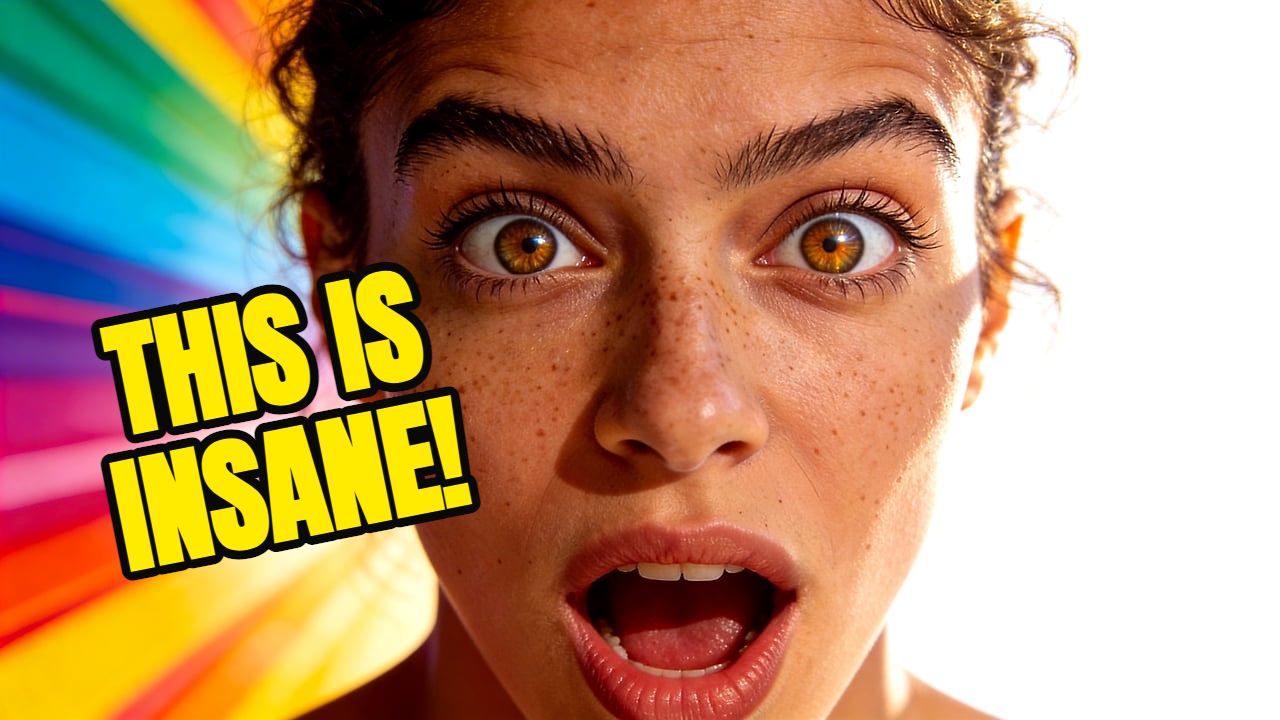
Channel-consistent thumbnail
Use this creator photo as a reference, create a high-contrast YouTube thumbnail with clean title space and dramatic lighting.
Create YouTube thumbnails with AI without a monthly subscription. Thumbpilot uses pay-per-use credits, reference images, text overlays, and 16:9 export. Best for creators searching for an AI thumbnail generator with no subscription, no recurring commitment, and clear pay-per-use pricing.

No-subscription AI
Thumbpilot helps creators make YouTube thumbnails with pay-per-use credits instead of a monthly plan. Generate a 16:9 thumbnail from a reference image and prompt, then edit text and objects before export.
01
$0.20 per AI thumbnail
02
$0.02 per AI object
03
Free text overlays
04
No monthly plan required
Live Demo
Watch the full workflow — from upload to finished YouTube thumbnail in seconds.
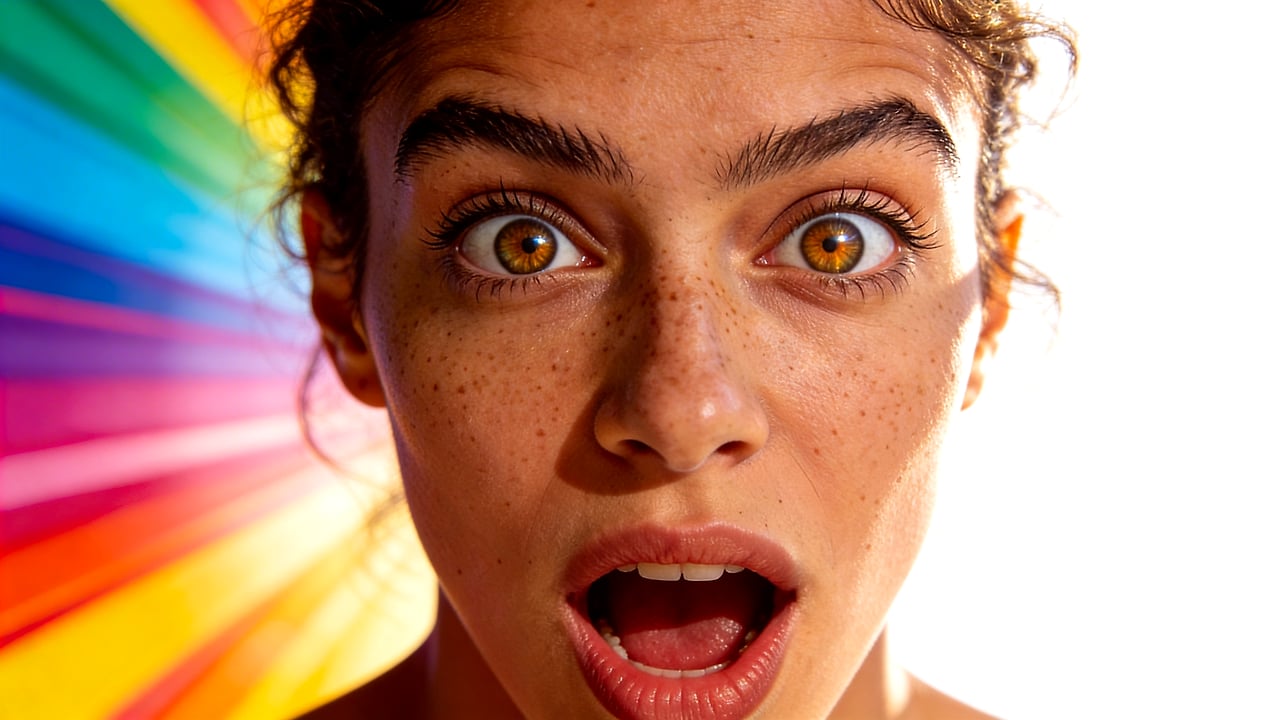
A recurring design subscription can be wasteful when you publish irregularly or only need a few thumbnails each month. Thumbpilot uses credits, so you top up when needed and spend only on AI generation.
Upload a reference image to guide the style, describe the scene in plain English, and create a YouTube-ready 16:9 thumbnail. After generation, add text overlays or AI objects in the built-in editor.
AI thumbnail generation costs $0.20 per thumbnail. AI object generation costs $0.02 per object. Text overlays are free, so simple edits do not require extra AI spend.
Related searches
Start with the broader Thumbpilot AI thumbnail generator workflow for YouTube creators.
See what parts of the browser-based editing workflow are free before using AI credits.
Compare Thumbpilot's focused AI-first workflow with broad template-based design tools.
Prompt examples
Use this creator photo as a reference, create a high-contrast YouTube thumbnail with clean title space and dramatic lighting.
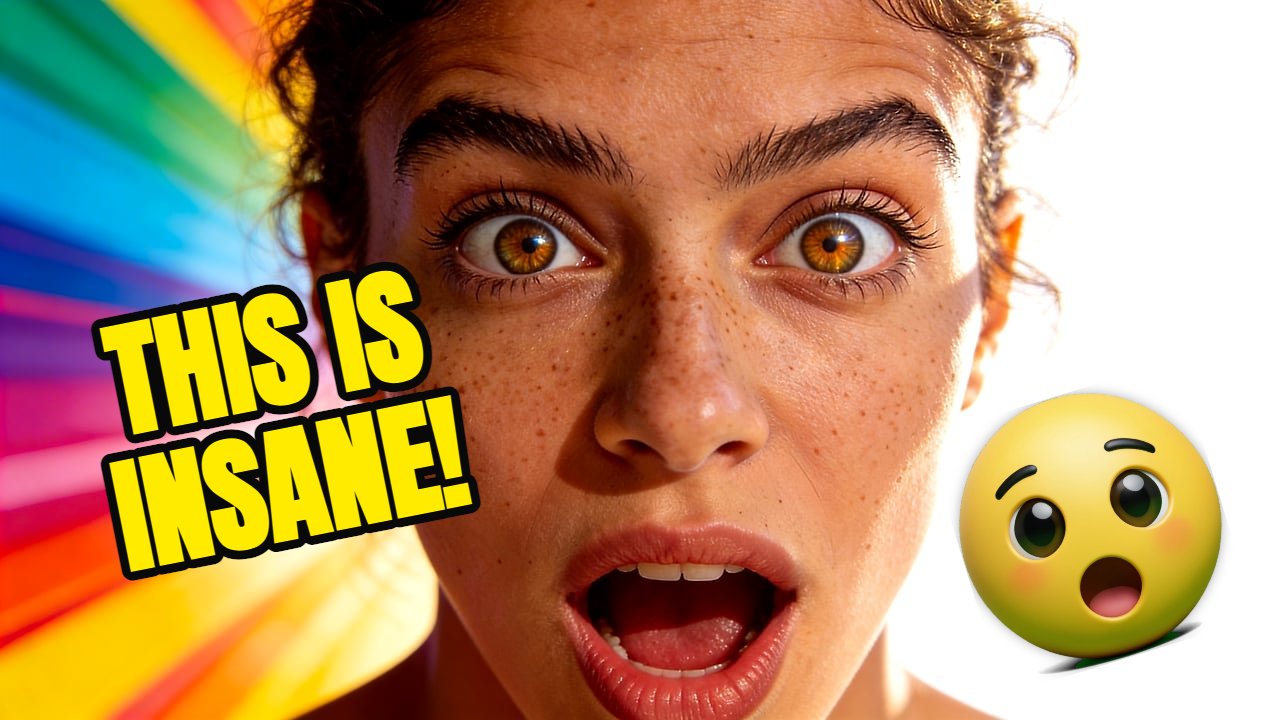
Surprised creator reaction, bold background contrast, clear space for a short three-word hook, 16:9 YouTube thumbnail.
FAQ
No. Thumbpilot does not require a monthly subscription. You top up credits and pay only for the AI thumbnails or AI objects you generate.
An AI thumbnail costs $0.20. An AI object costs $0.02. Text overlays are free, so you can add or adjust text without paying for another AI generation.
Yes. Thumbpilot lets you upload a reference image so the generated thumbnail follows the visual direction, colors, composition, or channel style you want.
Yes. After generation, you can use the built-in canvas editor to add text overlays, insert AI-generated objects, and adjust the final composition before download.
Thumbpilot