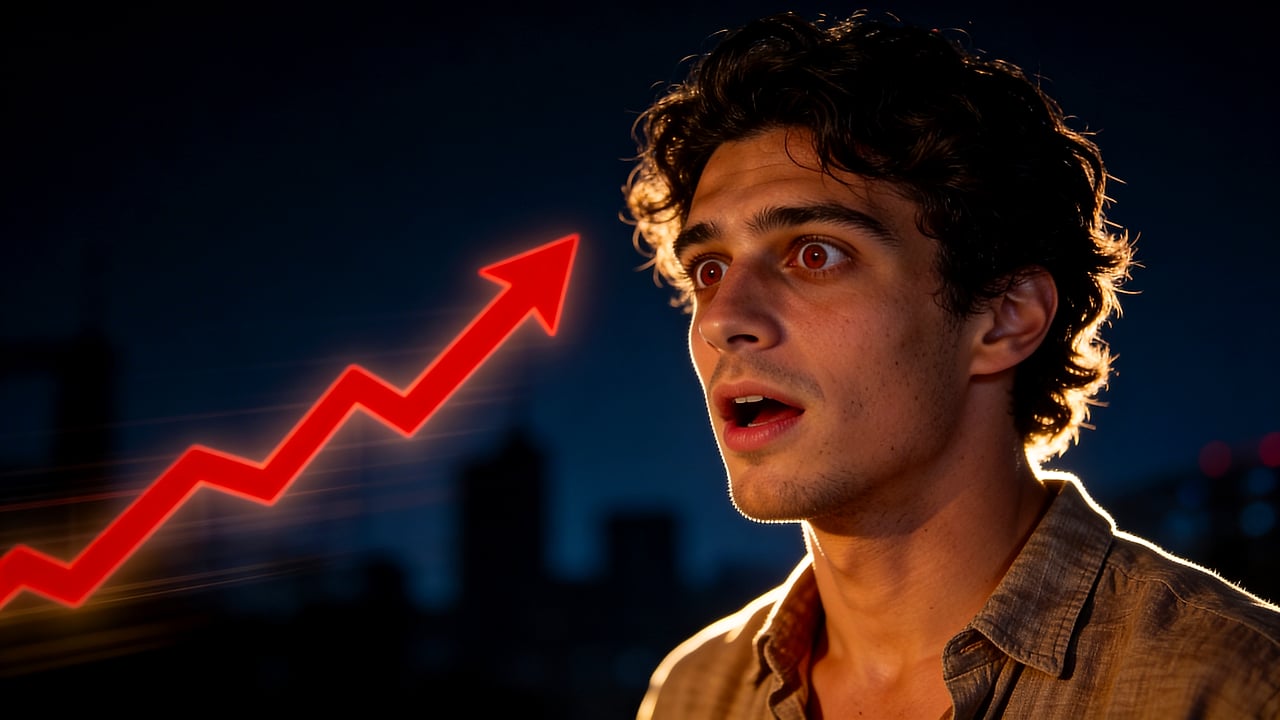
Template-free concept
Create a bold YouTube thumbnail concept from this reference, with room for a short title.
Looking for a Canva alternative for YouTube thumbnails? Thumbpilot focuses on AI generation from prompts and reference images, plus fast 16:9 editing. For creators who like Canva but want a faster AI-first thumbnail workflow.
Canva alternative
Canva is broad. Thumbpilot is narrow by design: create YouTube thumbnails from prompts and reference images, then edit text and objects without a heavy template workflow.
01
AI-first, not template-first
02
Reference images guide the look
03
Built for 1280 x 720 thumbnails
04
No subscription required
Live Demo
Watch the full workflow — from upload to finished YouTube thumbnail in seconds.
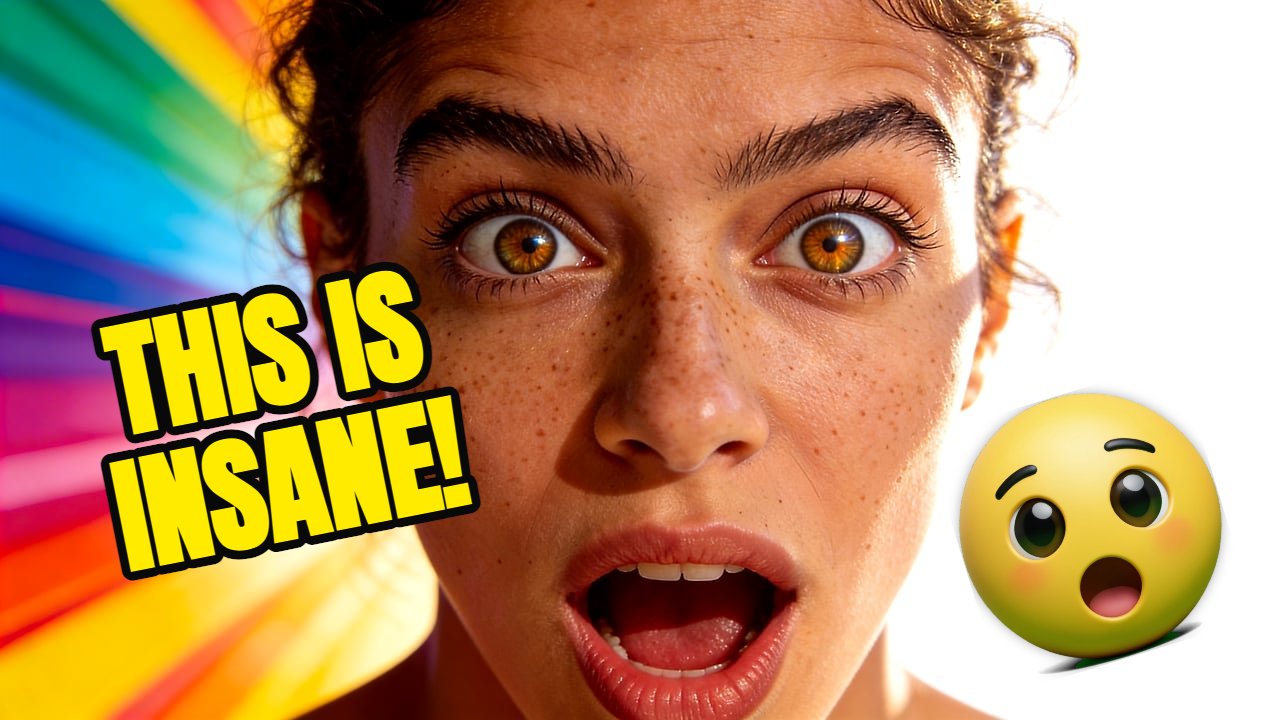
If your main task is producing YouTube thumbnails fast, a focused generator can be more direct than a general-purpose design suite.
Canva remains useful for broader brand kits, presentations, social graphics, and multi-format campaigns. Thumbpilot is intentionally focused on thumbnails.
Related searches
Prompt examples
Create a bold YouTube thumbnail concept from this reference, with room for a short title.
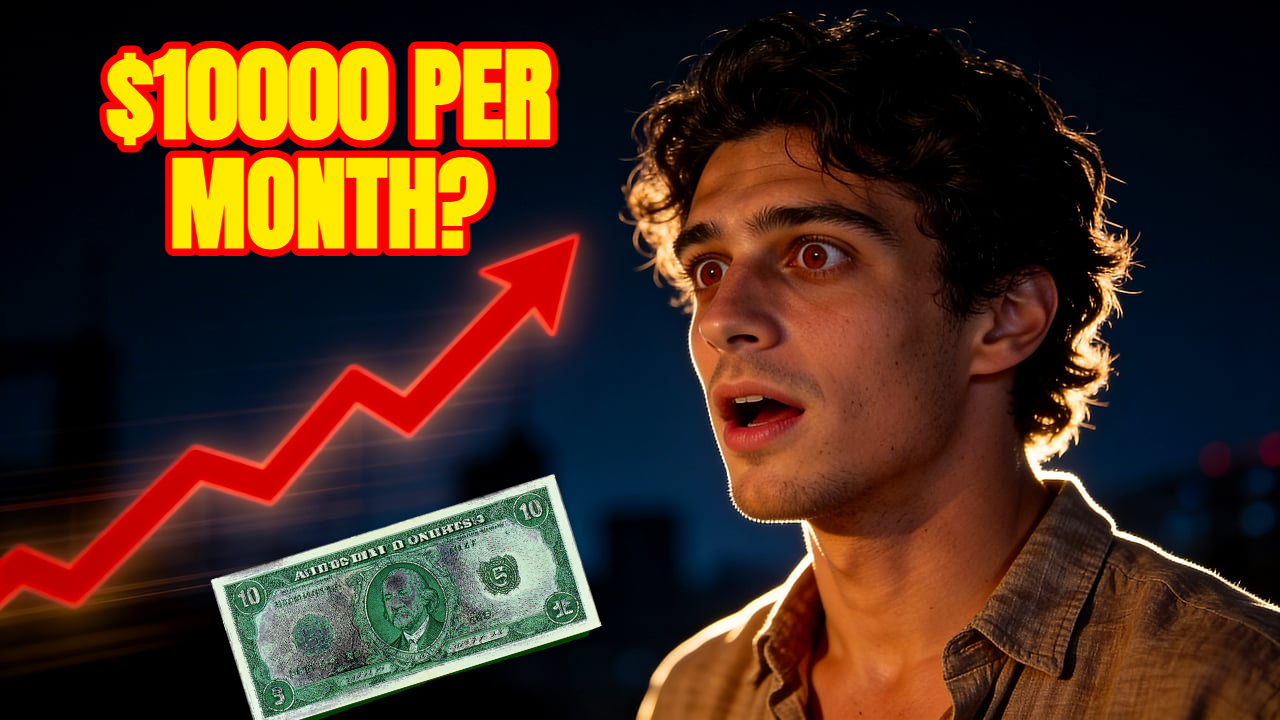
Make a higher-contrast version with stronger face lighting and a cleaner background.
FAQ
No. Thumbpilot is focused on AI YouTube thumbnail generation and editing. Canva is broader and supports many design formats.
Use Thumbpilot when you want AI to generate the thumbnail concept from a prompt and reference image, then quickly edit it for YouTube.
Yes. Thumbpilot includes text overlays so the generated image can become a publish-ready thumbnail.
Thumbpilot