
Text-only polish
Use the existing image and add short, high-contrast text that stays readable on mobile.
Use Thumbpilot for browser-based thumbnail editing, text overlays, and AI-assisted YouTube thumbnail generation with transparent pay-per-use pricing. For creators comparing free thumbnail makers and AI tools before choosing a workflow.
Thumbnail editor
Thumbpilot keeps the editing workflow lightweight: create the thumbnail, add text overlays, fine-tune the composition, and pay only when you use AI generation.
01
Text overlays are free
02
AI thumbnail generation is pay per use
03
No subscription required
04
Credits never expire
Live Demo
Watch the full workflow — from upload to finished YouTube thumbnail in seconds.

Many design tools start free but hide exports, watermarks, or useful features behind plans. Thumbpilot keeps pricing direct: AI generation costs credits, while text overlay editing stays free.
If you already have a strong image, free text editing may be all you need. If you need a new visual concept, AI generation can create the base image quickly.
Related searches
Prompt examples
Use the existing image and add short, high-contrast text that stays readable on mobile.
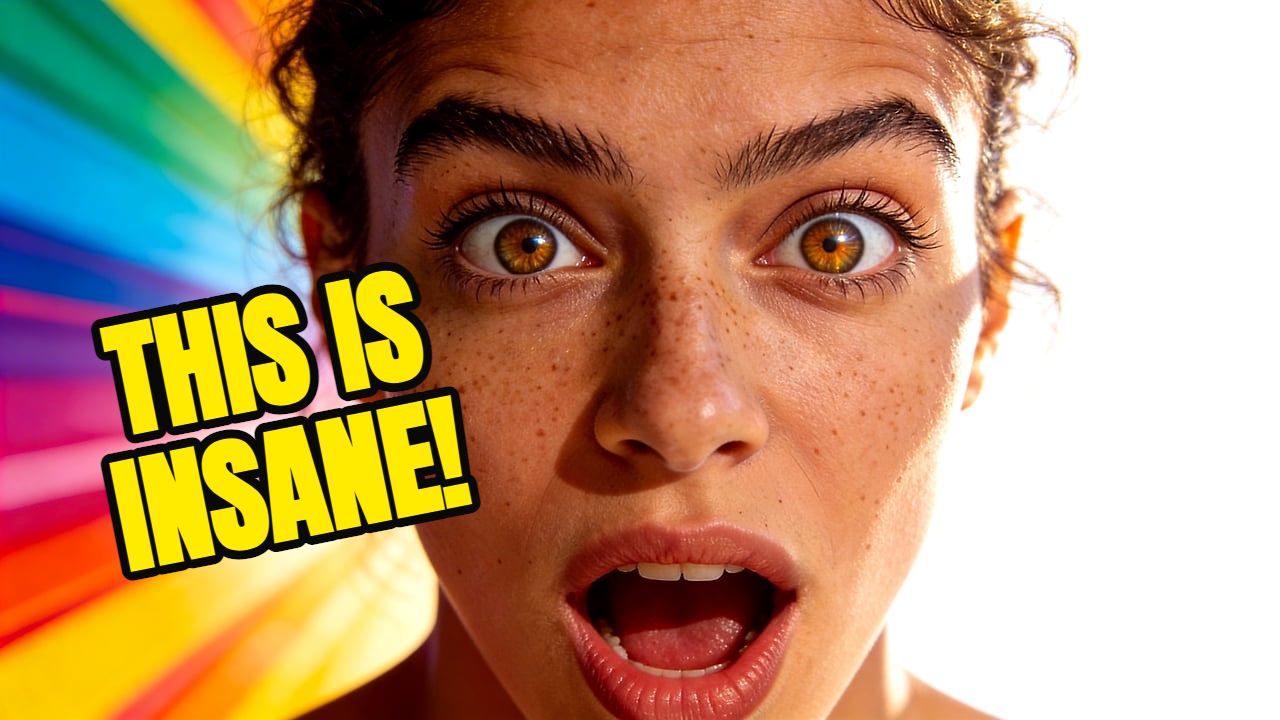
Generate a cinematic creator thumbnail with clean space for a two-word hook.
FAQ
Text overlay editing is free. AI thumbnail and AI object generation use pay-per-use credits with no subscription.
No. Thumbpilot is designed for creators who prefer topping up credits and paying only when they generate.
Yes. Thumbpilot is built around YouTube's 16:9 thumbnail format.
Thumbpilot