
Creator news
Creator at desk, dramatic expression, warm key light, clean background for bold headline text.
Make YouTube thumbnails online with AI, editable text and 1280 x 720 export. Create your first thumbnail free, with no subscription. For creators searching for a practical thumbnail maker that combines AI generation with an editable YouTube-ready canvas.
Thumbnail maker for YouTube
Generate your first thumbnail free with AI, add readable text, and download a YouTube-ready image without moving between Photoshop, Canva, and prompt tools.
01
First AI thumbnail free
02
Fast generation from a prompt
03
Text overlays stay editable
04
Made for YouTube 16:9 thumbnails
Live Demo
Watch the full workflow — from upload to finished YouTube thumbnail in seconds.
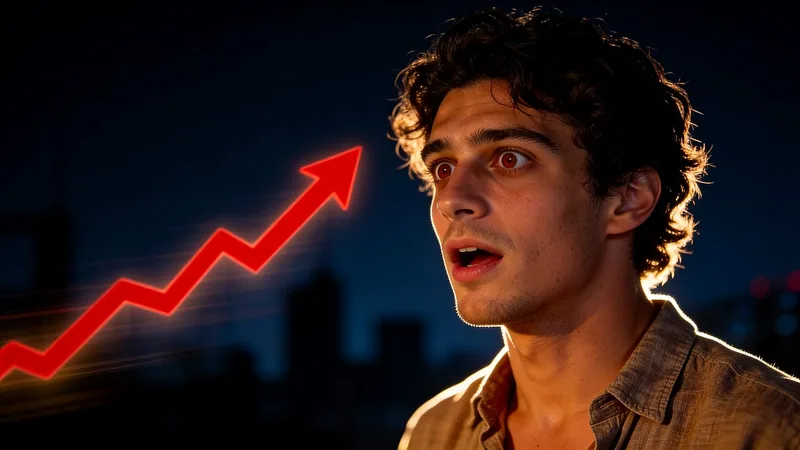
Describe the emotion, subject, and background you want. Thumbpilot creates a strong first composition so you can spend your time choosing and polishing instead of arranging every layer manually.
A thumbnail has to work when it is small. Keep text short, leave space around the face or subject, and use contrast that still reads on mobile.
Use a reference photo or video still to guide the first design, describe the scene you want, and keep control of the finishing touches. The editor lets you place readable text and add AI-generated objects before downloading the final image.
Template editors are useful when you already know the layout you want. Thumbpilot is designed for the earlier creative step: generating a new visual direction from your video idea, then polishing it in the same browser workflow.
Related searches
Generate a YouTube thumbnail from a reference image and a short prompt.
Learn how reference images help keep a channel's thumbnail style consistent.
Check dimensions and preview the finished design at desktop and mobile feed sizes.
Prompt examples
Creator at desk, dramatic expression, warm key light, clean background for bold headline text.
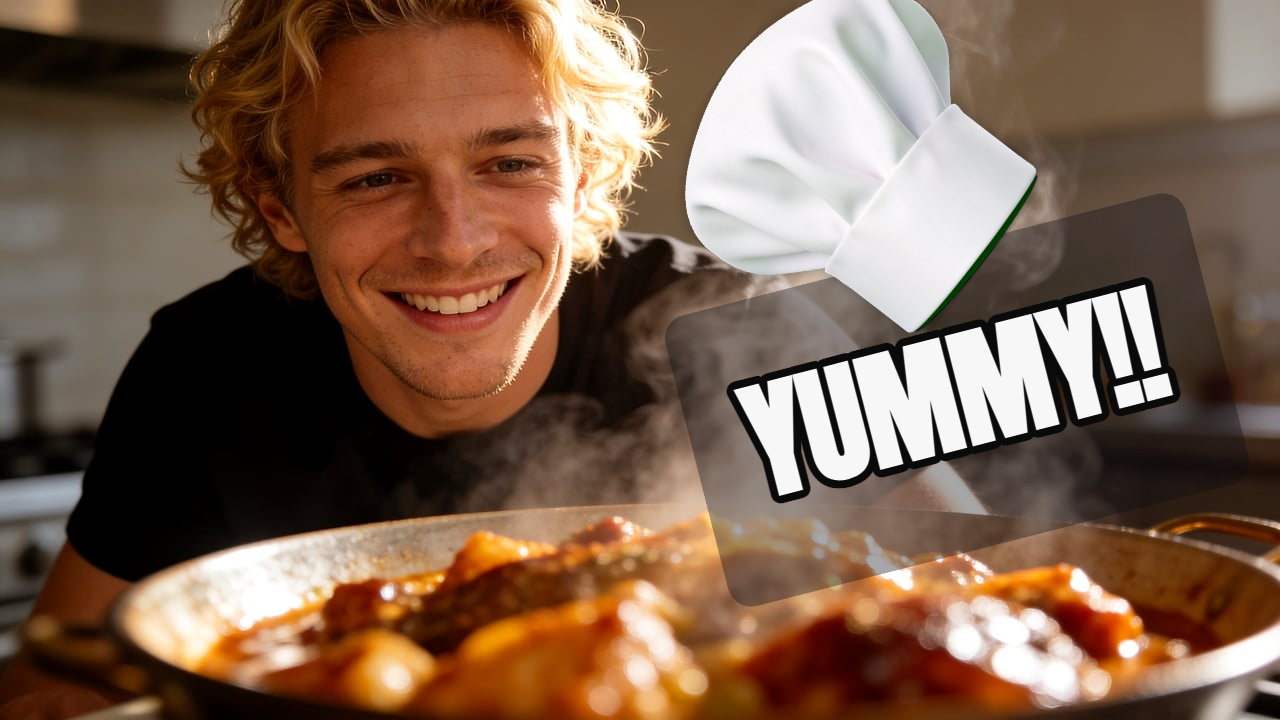
Tech product close-up, surprised creator reaction, crisp studio lighting, white text space.
FAQ
YouTube currently recommends 3840 x 2160 pixels for video thumbnails, a 16:9 aspect ratio, and a minimum width of 640 pixels. Thumbpilot exports a YouTube-compatible 1280 x 720 image in the same 16:9 ratio.
Yes. Thumbpilot is built so creators can generate a first version from a prompt and then make simple visual edits in the browser.
It depends on the workflow. Canva is a broad design tool. Thumbpilot is focused on AI-generated YouTube thumbnails from prompts and reference images.
Yes. Thumbpilot runs in a modern web browser, so there is no desktop software to install. You can generate, edit, and download the thumbnail online.
Yes. Upload a JPG, PNG, or WebP reference image to guide the composition and visual style of the generated thumbnail.
Thumbpilot