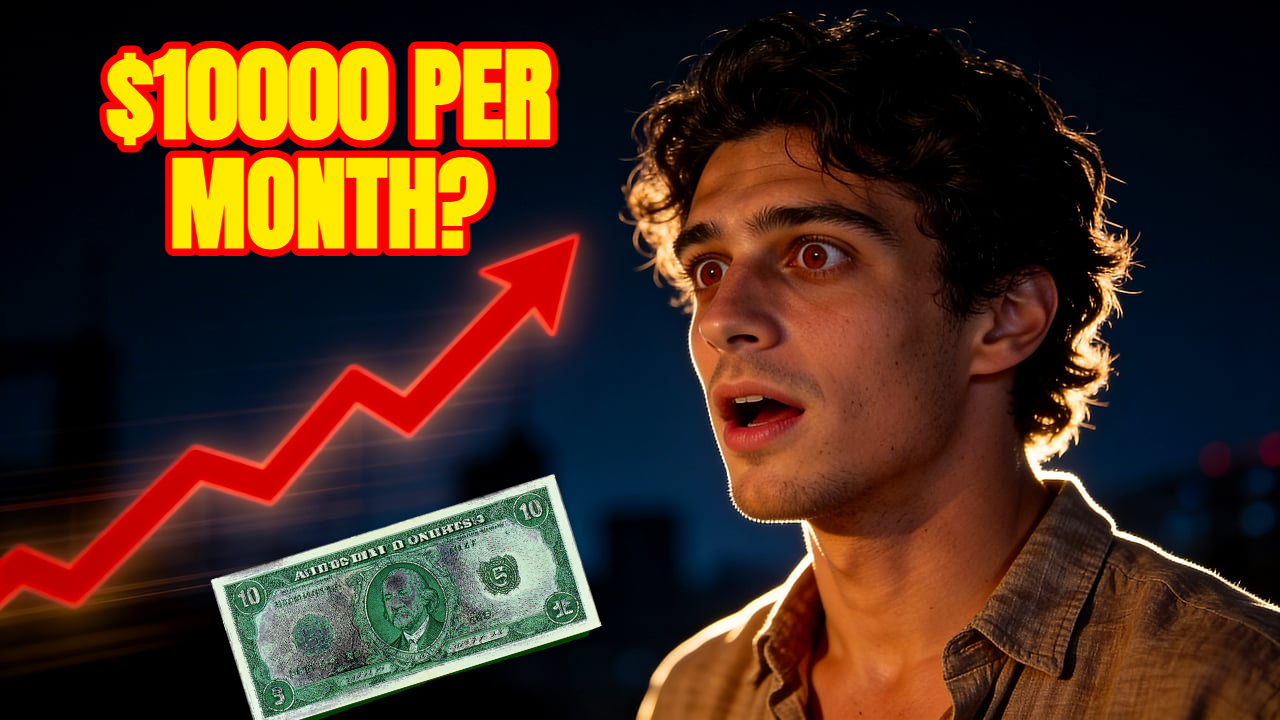
Channel style
Keep the neon blue visual style, add a surprised creator, make the background more cinematic.
Upload a reference image and generate a YouTube thumbnail in the same visual direction. Thumbpilot helps keep AI thumbnails consistent with your channel style. For creators who want AI thumbnails that feel closer to their existing channel identity.

Reference-image AI
Use a frame, photo, or previous thumbnail as visual direction. Thumbpilot reads the composition and style, then generates a new YouTube thumbnail from your prompt.
01
Keep color and composition direction
02
Useful for channel consistency
03
Plain-English prompt control
04
Final edits in one browser workflow
Live Demo
Watch the full workflow — from upload to finished YouTube thumbnail in seconds.
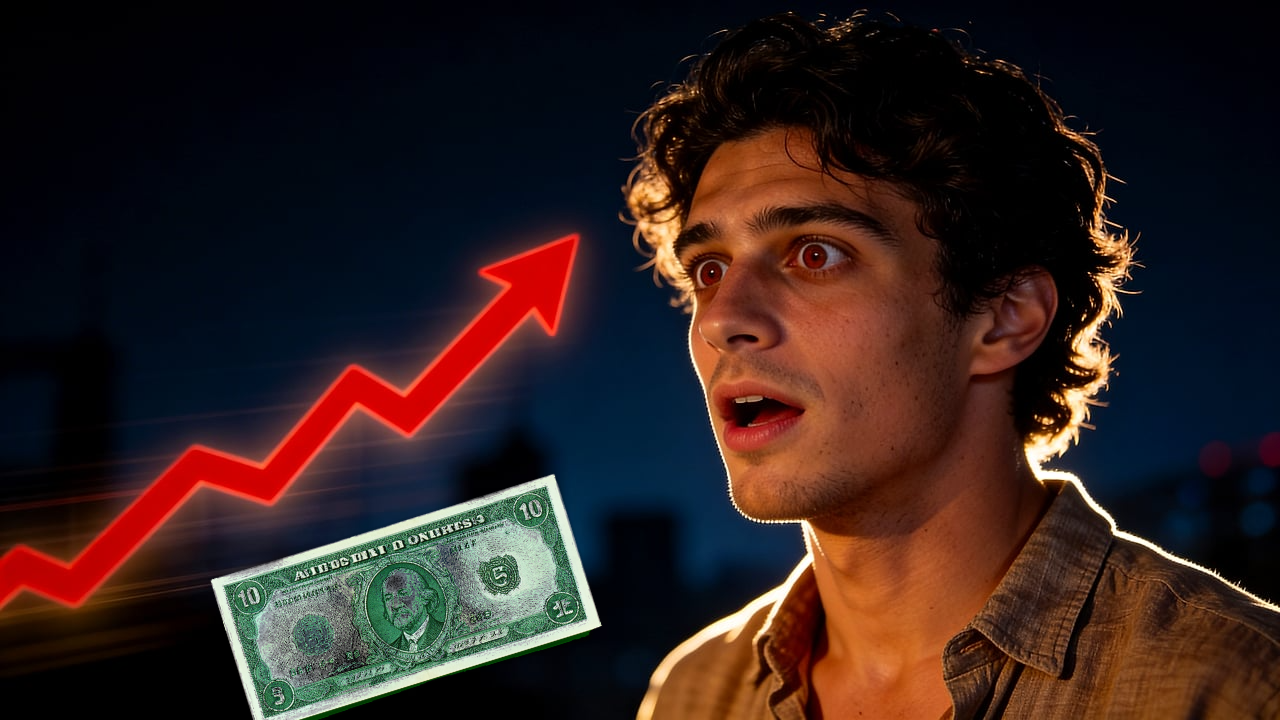
Text prompts alone can drift. A reference image gives the model visual context: the kind of lighting, framing, colors, and subject placement you want to preserve.
Use references that are clear, relevant, and close to the style you want. Avoid screenshots with too much small text or busy UI unless that is part of the final concept.
Prompt examples
Keep the neon blue visual style, add a surprised creator, make the background more cinematic.
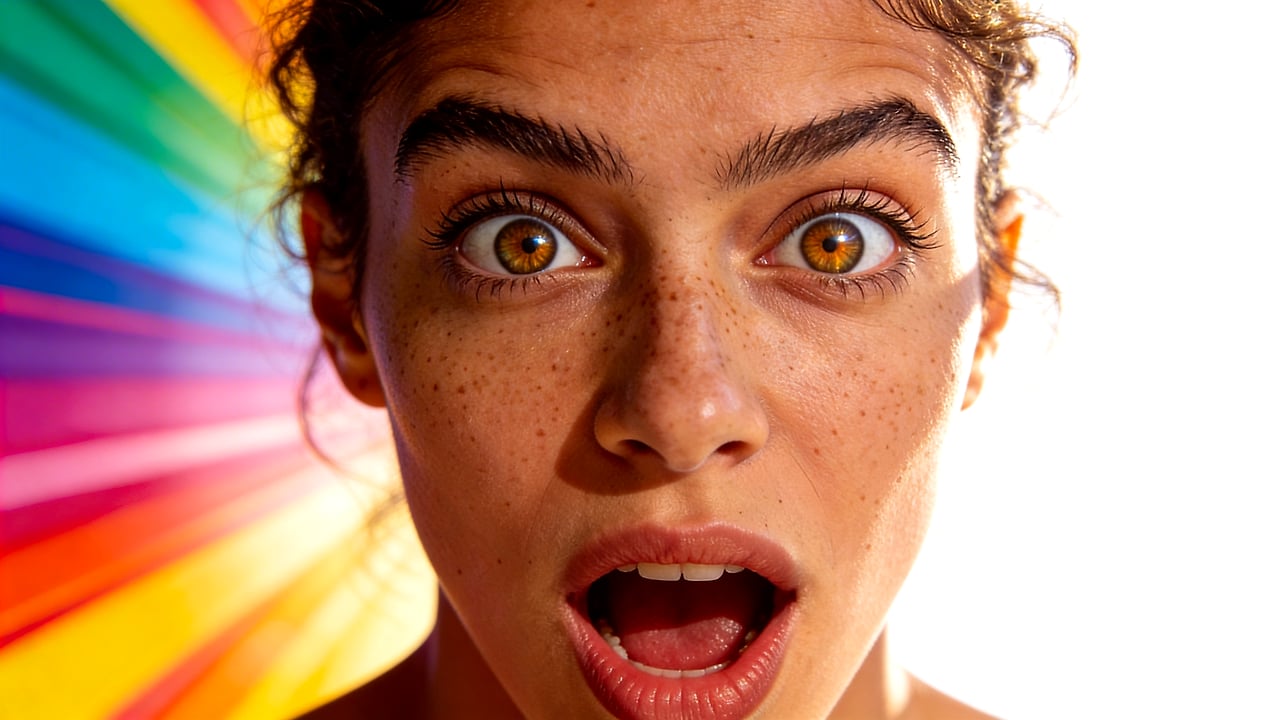
Turn this video still into a polished YouTube thumbnail with dramatic lighting and open text space.
FAQ
Use a clear image that shows the style, subject, or composition you want. A previous thumbnail, creator photo, or strong video still usually works well.
It guides the generation. The final thumbnail is created from both the reference and your prompt, then can be edited further.
Yes. Reference-image guidance is useful when you want repeated colors, framing, or visual energy across multiple videos.
Thumbpilot